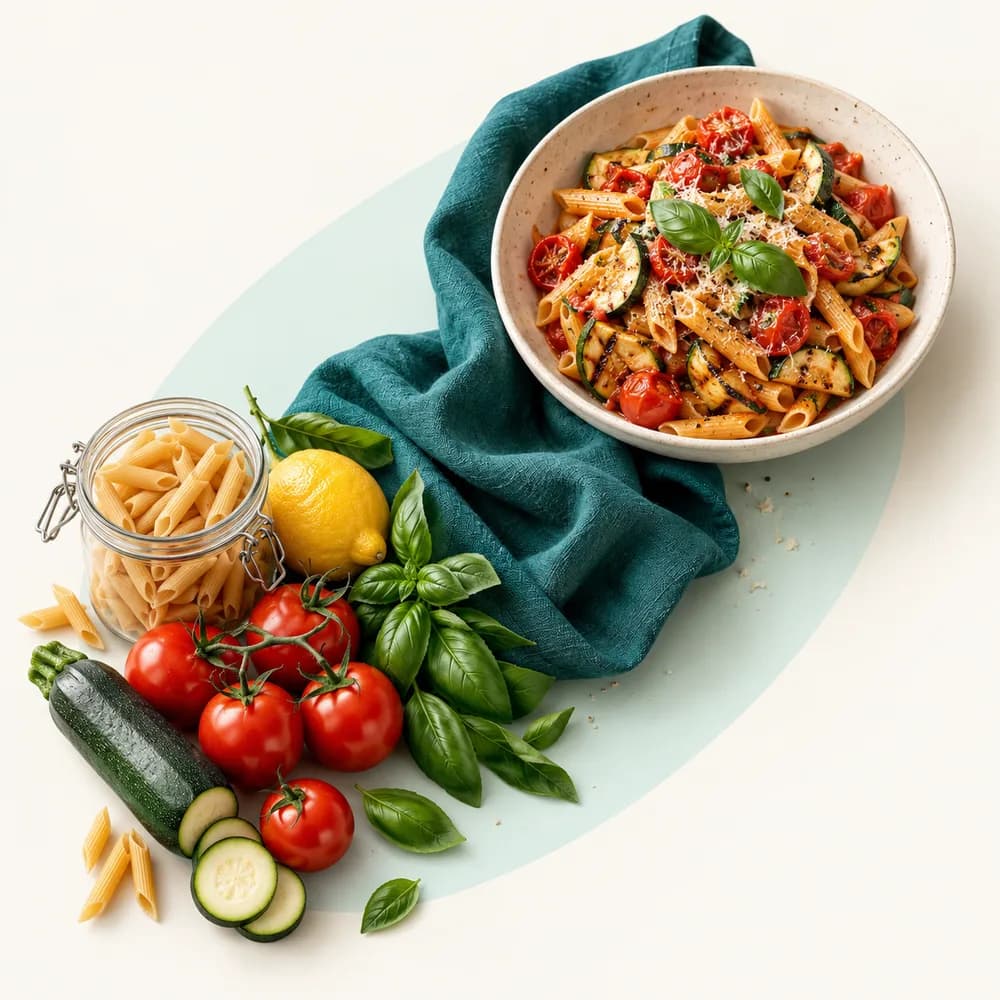
Treat the photo as a starting point
Take a clear photo in the Android app with Premium, then review the proposed foods. A sauce, cooking oil or hidden ingredient may not be visible.
- Check that the identified foods match your meal.
- Review the proposed quantities and supply missing amounts.
- Confirm only the foods and portions you want to record.
Calculate from foods and quantities
Nutrition is calculated from matched food records and the quantities you confirm, not from a guaranteed calorie reading of the image.
If an ingredient or its amount is unresolved, do not treat an absent value as zero. Choose a suitable food record and provide the quantity before relying on the calculation.
Use barcodes or manual entry when appropriate
For packaged food, barcode lookup can help find a product. It does not tell Mizen how much you ate: check the product and select your portion.
The Android app supports camera barcode scanning. On a computer, enter the barcode number manually or search for a food. A match is not guaranteed for every product.
Your questions, answered
Can a photo tell me the exact calories of any meal?
No. Hidden ingredients and uncertain quantities can affect the result. Review the suggested foods and amounts; the calculation depends on those confirmed inputs.
Is meal photo recognition a Premium feature?
Yes. Plate recognition from a photo is part of Premium. Food search and manual Journal entries remain available without a subscription.
Does a barcode automatically set my portion?
No. A barcode helps identify a product, not the amount you ate. Check the match and choose your quantity before adding it to the Journal.